
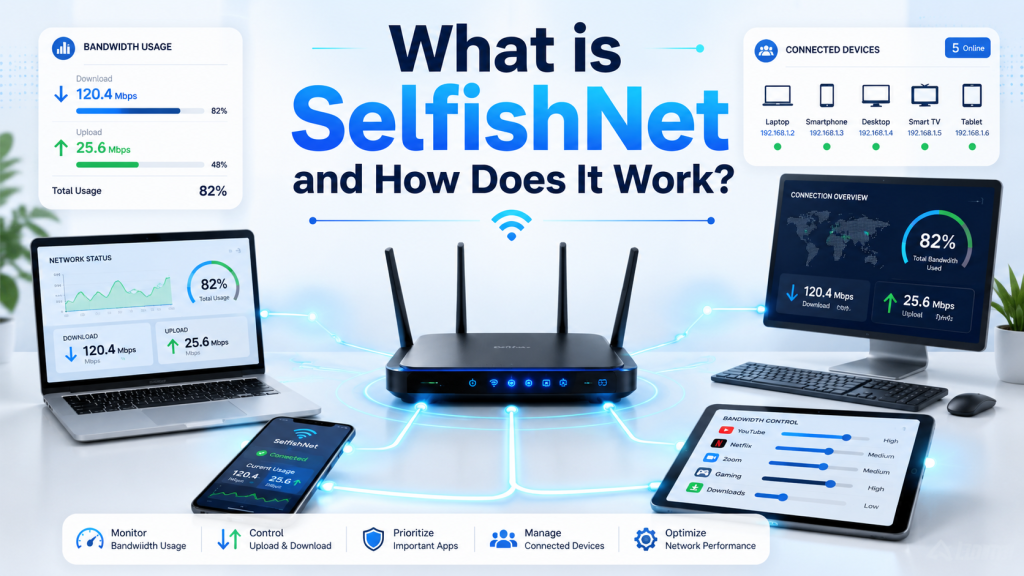
SelfishNet is a network monitoring and bandwidth control tool designed for local networks. It is commonly used to see which devices are connected to the same Wi-Fi or LAN network, monitor their internet usage, and manage how much bandwidth each device can use.
In simple words, SelfishNet helps users understand where their internet speed is going. When multiple phones, laptops, smart TVs, or gaming devices are connected to one network, the internet can become slow. SelfishNet gives network administrators more control by showing connected devices and allowing bandwidth limits for each one.
Read More: What is SelfishNet and How Does It Work?
What is SelfishNet?
SelfishNet is a lightweight Windows-based tool used for local network bandwidth management. It can scan a local network and display details about connected devices, such as IP addresses, MAC addresses, upload speed, and download speed.
The main purpose of SelfishNet is to help users manage internet distribution. For example, if one device is using too much bandwidth for streaming, downloading, or gaming, SelfishNet can help limit that device’s internet speed so the rest of the network remains stable.
It is often used in home networks, small offices, shared apartments, computer labs, and other environments where many users are connected to the same internet connection.
How Does SelfishNet Work?
SelfishNet works by monitoring devices connected to the same local network. Once the software scans the network, it identifies active devices and shows them in a simple table. From there, the user can view real-time bandwidth usage and apply limits to selected devices.
The tool is known to work through network-level techniques that allow it to control traffic between devices and the router. This is why it can affect the internet speed of other devices on the same local network.
However, SelfishNet should only be used on networks you own or have permission to manage. Using it on public, school, office, or someone else’s network without permission can be unethical and may violate rules or laws.
Key Features of SelfishNet
SelfishNet offers several useful features for people who want better control over their network.
Device Detection
SelfishNet can scan your local network and show all connected devices. This makes it easier to know who is using your Wi-Fi and whether any unknown device is connected.
Bandwidth Monitoring
The tool displays real-time upload and download usage for each connected device. This helps you identify which device is consuming the most internet speed.
Speed Limiting
One of the most popular features of SelfishNet is bandwidth limiting. You can set download and upload speed limits for specific devices to prevent one user from slowing down the entire network.
Internet Blocking
SelfishNet may also allow users to temporarily block internet access for selected devices. This feature is useful for network administrators who want to stop unauthorized or excessive usage.
Simple Interface
SelfishNet is known for its basic and easy-to-understand interface. Most options are shown in a table format, making it simple for users to monitor and manage connected devices.
Why Do People Use SelfishNet?
People use SelfishNet for different reasons, but the most common reason is slow internet. When many devices are connected to the same router, one device can consume most of the bandwidth. This can affect browsing, video calls, online gaming, streaming, and downloads.
SelfishNet helps solve this problem by giving visibility and control. Instead of guessing which device is causing slow speed, users can check bandwidth usage directly and apply limits where needed.
Some common uses include:
- Managing shared Wi-Fi at home
- Controlling internet usage in small offices
- Preventing one device from using too much bandwidth
- Checking unknown devices on a network
- Keeping internet speed stable for everyone
Is SelfishNet Safe to Use?
SelfishNet can be useful, but it should be used carefully. Since it interacts with local network traffic, some antivirus programs or firewalls may flag it as suspicious. This does not always mean the tool is harmful, but it does mean users should be careful about where they download it from.
The safest approach is to use trusted sources, scan downloaded files, and avoid unofficial or modified versions. Also, users should avoid using SelfishNet on networks where they do not have permission.
Is SelfishNet Legal?
SelfishNet itself is a network management tool, but how it is used matters. If you use it on your own home network or a network you are responsible for managing, it is generally used as an administrative tool.
However, using it to control, slow down, or block other users on a network without permission can be considered misuse. Always make sure you have proper authorization before using any network control software.
SelfishNet for Home Users
For home users, SelfishNet can be helpful when internet speed is shared among family members. For example, if someone is downloading large files while others are trying to attend online classes or video meetings, SelfishNet can help balance the connection.
It gives the main user better control over bandwidth so every device gets a fair share of the internet.
SelfishNet for Small Offices
In small offices, bandwidth control can be important. Employees may use the internet for browsing, cloud apps, video calls, file uploads, and downloads. If one system uses too much bandwidth, it can affect productivity.
SelfishNet can help monitor usage and manage speed limits, especially in basic office setups without advanced router controls.
Advantages of SelfishNet
SelfishNet has several advantages:
- Easy to use
- Lightweight software
- Shows connected devices
- Displays real-time bandwidth usage
- Helps manage slow internet problems
- Allows speed limiting for selected devices
- Useful for home and small network environments
Disadvantages of SelfishNet
Like any tool, SelfishNet also has limitations:
- Mainly designed for Windows
- May be flagged by security software
- Can be misused if used without permission
- May not work properly on all routers or modern networks
- Not a replacement for professional router-based bandwidth control
- Requires responsible and ethical use
SelfishNet Alternatives
If SelfishNet does not work properly or you want more advanced control, you can also consider router-based bandwidth management. Many modern routers include QoS, which stands for Quality of Service. QoS allows users to prioritize important traffic such as video calls, gaming, or work-related apps.
Other bandwidth monitoring tools and network management software may also provide safer and more stable control, especially for professional environments.
Conclusion
SelfishNet is a useful tool for monitoring and managing bandwidth on a local network. It helps users see connected devices, check real-time internet usage, and control bandwidth distribution. For home users and small network administrators, it can be helpful when internet speed becomes slow because of too many connected devices.
However, SelfishNet should always be used responsibly. It is best suited for networks you own or have permission to manage. When used correctly, it can make shared internet connections more stable, fair, and easier to control.
In short, SelfishNet works by giving users visibility and control over local network bandwidth. It is simple, practical, and useful, but it should be handled with care and used only for ethical network management.